Introduction to Amazon Parent Dashboard
The Amazon Parent Dashboard is a powerful tool designed to help parents monitor and manage their children’s digital activities across Amazon devices and services. In today’s connected world, children are increasingly exposed to screens, apps, and online content at a very young age. This makes it essential for parents to have control, visibility, and guidance over what their kids access. Amazon has addressed this need by creating a centralized dashboard that combines insights, parental controls, and usage reports into one easy-to-use platform.
What Is the Amazon Parent Dashboard?
The Amazon Parent Dashboard is an online interface provided by Amazon that allows parents to view detailed information about their child’s usage of Amazon services such as Fire tablets, Kindle devices, and Amazon Kids+. It offers a clear breakdown of screen time, educational progress, and the types of content children are engaging with. This tool is especially useful for parents who want to strike a balance between entertainment and learning while ensuring a safe digital environment.
Key Features of the Amazon Parent Dashboard
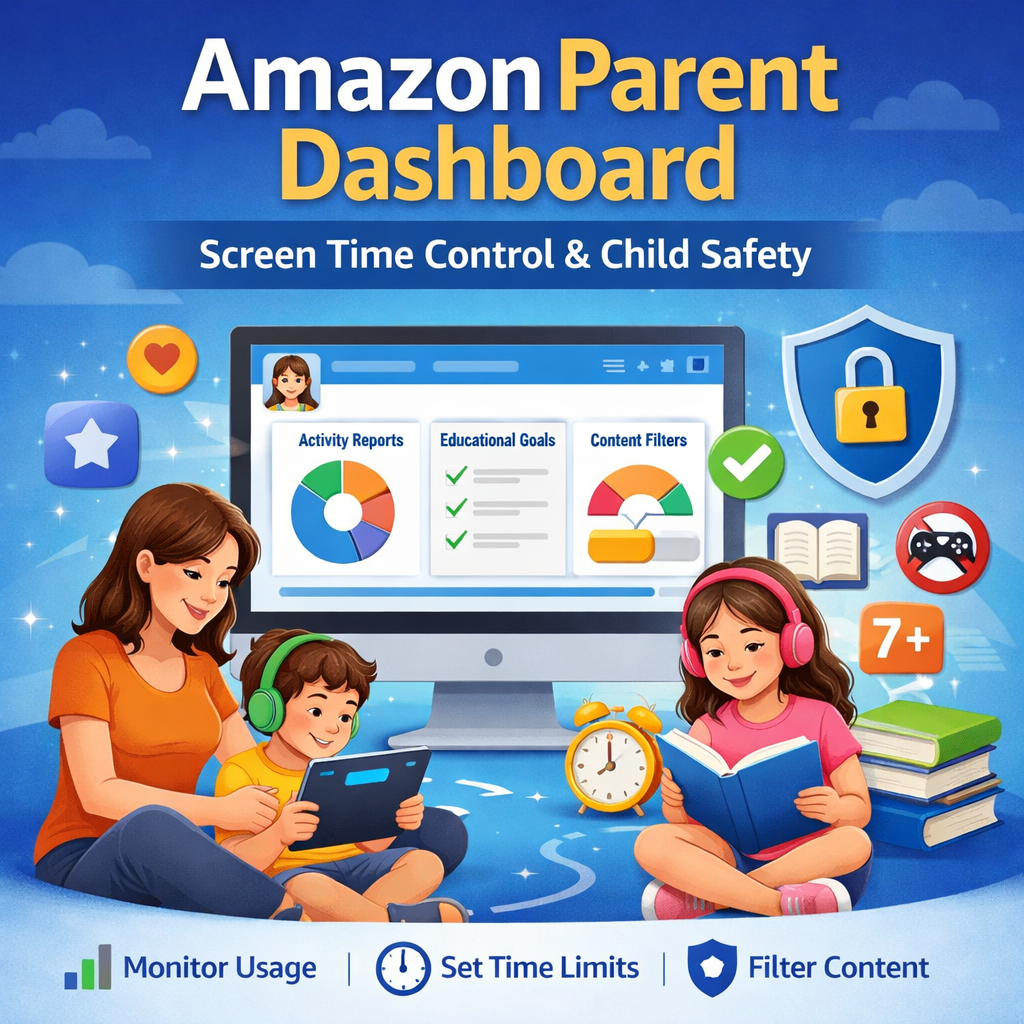
One of the standout aspects of the Amazon Parent Dashboard is its comprehensive set of features designed specifically for family use. Parents can access activity reports that show how much time their child spends reading, watching videos, playing games, or using educational apps. The dashboard also categorizes content, making it easier to understand whether the child is consuming age-appropriate material. Additionally, it provides insights into learning progress, which is particularly valuable for educational apps and reading activities.
Activity Monitoring and Screen Time Insights
 The Amazon Parent Dashboard provides detailed activity tracking that helps parents understand their child’s daily habits. Instead of simply showing total screen time, it breaks down usage into categories like books, videos, apps, and web browsing. This level of detail allows parents to identify patterns and make informed decisions about their child’s digital routine. For example, if a child spends more time on games than reading, parents can encourage a healthier balance.
Setting Educational Goals
Another important feature is the ability to set educational goals. Parents can define daily limits for activities such as reading or learning apps before entertainment content becomes available. This ensures that children prioritize productive tasks before accessing games or videos. The dashboard makes it easy to track progress toward these goals, helping parents stay involved in their child’s learning journey without constant supervision.
Content Filtering and Age-Appropriate Access
Content filtering is a critical component of the Amazon Parent Dashboard. Parents can customize what types of content their child can access based on age and maturity level. Amazon provides pre-set profiles for different age groups, but these can be adjusted to suit individual needs. This ensures that children are only exposed to safe and appropriate material, reducing the risk of encountering harmful or unsuitable content online.
Remote Management and Convenience
One of the biggest advantages of the Amazon Parent Dashboard is its remote accessibility. Parents can log in from any device with an internet connection to monitor and adjust settings. Whether at work or traveling, they can update screen time limits, approve content, or review activity reports in real time. This flexibility makes it easier to maintain consistent digital rules without needing physical access to the child’s device.
Integration with Amazon Kids+
The Amazon Parent Dashboard works seamlessly with Amazon Kids+, a subscription service that offers a wide range of child-friendly books, videos, apps, and games. Through the dashboard, parents can see exactly which content their child is using within the service. This integration enhances the overall experience by combining content access with detailed monitoring and control features.
Benefits for Parents
For parents, the Amazon Parent Dashboard offers peace of mind. It eliminates guesswork by providing clear insights into how children use their devices. This transparency helps parents make better decisions about screen time and content choices. Additionally, it encourages active involvement in a child’s digital life, which is essential for building healthy habits and ensuring online safety.
Benefits for Children
While the dashboard is designed for parents, it also benefits children. By setting boundaries and promoting educational content, it creates a structured digital environment that supports learning and development. Children can enjoy their favorite apps and videos while also being encouraged to read, learn, and explore new topics. This balanced approach helps them develop responsible technology habits from an early age.
How to Access the Amazon Parent Dashboard
Accessing the Amazon Parent Dashboard is straightforward. Parents simply need to log in to their Amazon account and navigate to the dashboard section. Once there, they can add child profiles, connect devices, and start monitoring activity. The interface is user-friendly, making it easy even for those who are not tech-savvy to manage settings and view reports.
Customizing Child Profiles
The ability to create and customize child profiles is another key feature. Each child can have their own profile with personalized settings, including age filters, time limits, and content preferences. This ensures that siblings of different ages have access to appropriate content tailored to their individual needs. Parents can easily switch between profiles to review activity and make adjustments.
Encouraging Healthy Digital Habits
The Amazon Parent Dashboard is not just about restriction; it is also about guidance. By using the insights provided, parents can have meaningful conversations with their children about screen time and content choices. This helps children understand the importance of balance and encourages them to make better decisions on their own. Over time, this approach fosters independence and responsibility.
Privacy and Security Considerations
Amazon places a strong emphasis on privacy and security within the Parent Dashboard. All data is protected, and parents have full control over what information is collected and how it is used. This ensures that families can use the tool with confidence, knowing that their personal information is सुरक्षित and managed responsibly.
Tips for Getting the Most Out of the Dashboard
To maximize the benefits of the Amazon Parent Dashboard, parents should regularly review activity reports and adjust settings as needed. Setting realistic goals and gradually introducing limits can make the transition smoother for children. It is also helpful to involve children in the process, explaining why certain rules are in place and how they contribute to a healthier digital lifestyle.
Common Challenges and Solutions
Some parents may face challenges when first using the dashboard, such as understanding the data or setting appropriate limits. However, these issues can be easily resolved by exploring the dashboard’s help resources and experimenting with different settings. Over time, parents become more comfortable with the tool and can tailor it to their family’s needs.
Why the Amazon Parent Dashboard Stands Out
Compared to other parental control tools, the Amazon Parent Dashboard stands out بسبب its integration with Amazon devices and services. Its detailed insights, ease of use, and comprehensive features make it a reliable choice for families. The combination of monitoring, control, and educational support يجعل it a well-rounded solution for managing children’s digital experiences.
Conclusion
The Amazon Parent Dashboard is an essential tool for modern parenting in a digital age. It provides the perfect balance between control and freedom, allowing children to explore technology safely while giving parents the oversight they need. With its powerful features, user-friendly interface, and seamless integration with Amazon services, it has become a trusted solution for families worldwide. By using this dashboard effectively, parents can ensure that their children develop healthy digital habits that will benefit them for years to come.
You Many Also Read Here: SYFM Meaning